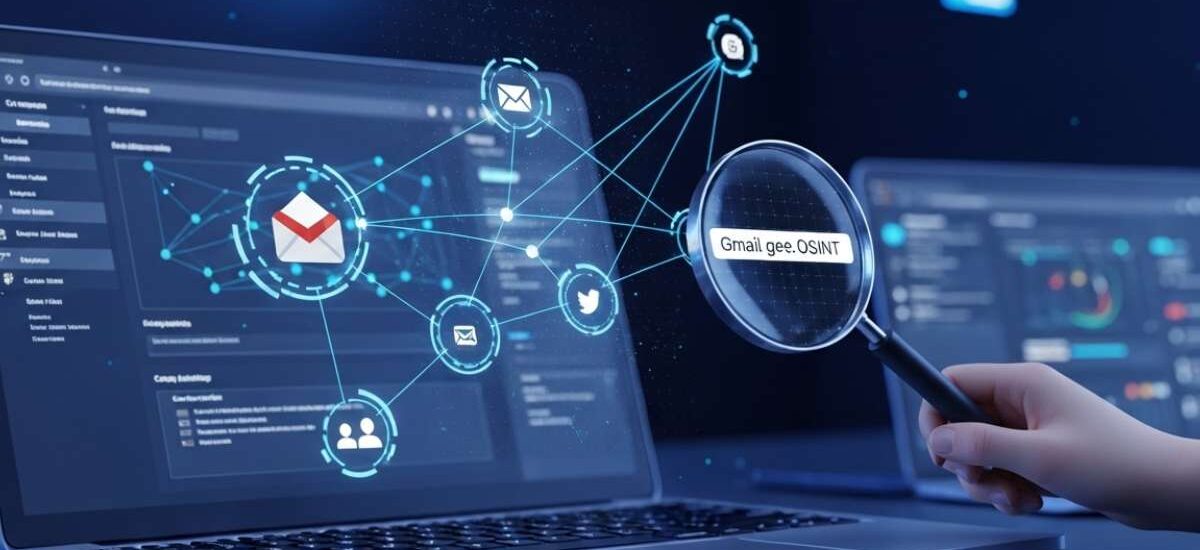
Introduction to Gmail Osint
In today’s hyper-connected digital landscape, a single Gmail address can reveal far more than most people realize. It is not just a communication tool — it is a digital identity anchor. From social media accounts to professional profiles, forums, subscriptions, and online footprints, a Gmail ID often connects multiple layers of information.
This is where Gmail OSINT (Open Source Intelligence) comes into play. It is a structured and ethical approach to extracting publicly available intelligence linked to an email address. Unlike hacking or unauthorized access, Gmail OSINT relies entirely on legal, transparent, and non-intrusive techniques.
For cybersecurity professionals, investigators, recruiters, journalists, and even businesses, Gmail OSINT has become a critical skill. It helps verify identities, detect fraud, prevent phishing attacks, and conduct due diligence.
At EINITIAL24, we specialize in delivering practical OSINT training, workshops, investigation frameworks, and custom-built tools that empower individuals and organizations to perform Gmail investigations the right way — accurately, ethically, and efficiently.
What Is Gmail OSINT?
Gmail OSINT refers to the process of analyzing a Gmail address using publicly accessible data sources. The goal is to gather insights about the identity, activity, and digital footprint associated with that email.
This does not involve breaking into accounts or bypassing security. Instead, it focuses on:
- Public search results
- Social media traces
- Username patterns
- Email metadata (headers)
- Image verification
- Cross-platform identity mapping
Think of it as connecting digital breadcrumbs. Each breadcrumb alone may not mean much, but when combined, they form a clear and actionable picture.
Professionals trained in OSINT know how to separate real signals from noise. This is exactly what EINITIAL24’s training programs and workshops are designed to teach — how to move from random searching to structured intelligence gathering.
Why Gmail Addresses Are Goldmines
A Gmail address is often reused across multiple platforms. People tend to use the same email for:
- Social media accounts
- Online shopping
- Professional portfolios
- Forum discussions
- Newsletter subscriptions
- Business registrations
This reuse creates a digital footprint ecosystem.
Key Reasons Gmail is Valuable in OSINT
1. Identity Linkage
A single email can connect multiple online identities.
2. Username Patterns
The part before “@gmail.com” often reveals names, nicknames, or consistent handles.
3. Alias Behavior
Gmail allows variations using dots or “+” signs, which can still point to the same inbox.
4. Public Exposure
Emails are often unintentionally exposed in blogs, comments, or leaked pages.
5. Metadata Trails
Emails you receive may contain technical routing information useful for verification.
Because of this, Gmail addresses act like entry points into a much larger digital investigation.
The Treasure Map: Gmail OSINT, Step-by-Step
1. Start with a Google Search
The first and most powerful step is also the simplest.
Search the Gmail address in multiple ways:
- Exact match in quotes
- Without quotes
- Username only (before @gmail.com)
- Variations with dots or symbols
What to Look For
- Social media profiles
- Public forum posts
- Blog comments
- Business listings
- Portfolio websites
- Cached or archived pages
This step helps you build the initial identity map.
Pro Tip
Do not jump to conclusions. One result is not proof. Instead, collect multiple signals and look for consistency.
At EINITIAL24, we train professionals to document every search result systematically, ensuring investigations are repeatable and evidence-backed.
2. Analyze the Gmail Header
If you have received an email from the target Gmail account, the header becomes a valuable source of technical intelligence.
What Is an Email Header?
It is the hidden metadata behind an email that contains:
- Sending server details
- Authentication results
- Routing paths
- Timestamp data
Why It Matters
Headers help determine:
- Whether the email is genuine or spoofed
- If the sender used legitimate infrastructure
- Signs of phishing or manipulation
Important Note
Headers do not reveal private identity directly, but they are extremely useful for verification and authenticity checks.
This is a core skill taught in EINITIAL24’s cybersecurity and OSINT workshops, where participants learn how to read headers like professionals.
3. Verify with Reverse Image OSINT
Many Gmail accounts are linked to profile images or avatars.
Using reverse image search techniques, you can:
- Find where the image appears online
- Identify duplicate usage
- Detect fake or stolen photos
- Match the image to real identities
Why This Works
People often reuse the same profile picture across platforms. This creates a visual fingerprint.
What to Watch For
- Same image on multiple platforms
- Image linked to a different name
- Stock photos or AI-generated images
Reverse image analysis is a powerful validation step but should always be used alongside other evidence.
4. Check for Connected Accounts and Data
This is where OSINT becomes truly powerful.
You look for connections between the Gmail address and other platforms.
Areas to Explore
- Social media platforms
- Developer or tech communities
- Online marketplaces
- Public directories
- Event registrations
- Comment sections
What You Are Building
A digital identity graph — a network of connections tied to one email.
Key Insight
Consistency across platforms increases confidence.
Inconsistency raises red flags.
This structured mapping approach is part of EINITIAL24’s advanced OSINT training programs, helping professionals move beyond basic searching into real investigative intelligence.
Why Gmail OSINT Matters
Gmail OSINT is not just for investigators. It has real-world applications across industries.
1. Cybersecurity
- Detect phishing attempts
- Identify spoofed emails
- Assess threat actors
2. Fraud Prevention
- Verify sellers or buyers
- Identify fake accounts
- Reduce scam risks
3. Recruitment & Background Checks
- Validate candidate information
- Cross-check online presence
4. Journalism & Research
- Verify sources
- Confirm digital identities
5. Business Due Diligence
- Assess vendors and partners
- Identify reputational risks
Organizations that invest in OSINT capabilities gain a significant advantage in risk management and decision-making.
This is why EINITIAL24 offers specialized corporate training, live workshops, and custom OSINT tool development tailored for modern investigative needs.
Gmail OSINT Workflow for Professionals
A professional OSINT investigation follows a structured process:
Step 1: Collection
Gather all publicly available data.
Step 2: Verification
Cross-check sources for accuracy.
Step 3: Correlation
Connect data points into patterns.
Step 4: Analysis
Interpret findings logically.
Step 5: Documentation
Record evidence and conclusions.
This systematic approach ensures your findings are credible, repeatable, and defensible.
Common Mistakes in Gmail OSINT
1. Assuming Without Evidence
Never treat a single result as proof.
2. Ignoring Gmail Address Rules
Dots and “+” variations may represent the same user.
3. Overlooking Time Factor
Old data may no longer be relevant.
4. Mixing Legal and Illegal Methods
OSINT must remain within ethical boundaries.
5. Lack of Documentation
Unrecorded findings lose value.
Avoiding these mistakes is what separates beginners from professionals.
Gmail OSINT and Ethics
Ethics is the backbone of OSINT.
Always Follow These Principles
- Use only public information
- Respect privacy boundaries
- Avoid unauthorized access
- Do not manipulate or deceive
- Maintain transparency in reporting
OSINT is about intelligence, not intrusion.
At EINITIAL24, ethics is a core part of every training, ensuring participants understand both capability and responsibility.
FAQs About Gmail OSINT
Does the Gmail trick work?
There is no “magic trick.” Gmail variations like dots and “+” are normal features, not hacking methods.
What can you do with email OSINT?
You can verify identities, detect fraud, analyze risks, and investigate digital footprints.
What is +++ looping in mail?
This is not a standard concept. Gmail supports “+” aliasing, but not looping techniques.
Why is ‘@’ used in Gmail?
It separates the username from the domain, forming a valid email structure.
What is the 3 21 0 email rule?
There is no official Gmail rule by this name. It is likely informal advice.
How to ghost CC in Gmail?
Use the BCC feature to hide recipient email addresses.
How to find hidden Gmail?
There is no legitimate way to reveal private Gmail accounts. Only public traces can be analyzed.
How to unlock a Gmail without a password?
Only official recovery methods should be used for accounts you own.
What is the secret trick of Google?
There is no secret bypass — security systems are designed to prevent unauthorized access.
Do hackers use OSINT?
Yes, but OSINT itself is neutral. It depends on how it is used.
What is the 12 second rule for emails?
This is not an official Gmail concept.
Can hackers get into my email without a password?
They may attempt phishing or social engineering, which is why security practices are essential.
What are the risks of OSINT?
Privacy concerns, misinterpretation, and legal issues if misused.
What is the 60 40 rule in email?
Not an official rule — likely informal guidance.
What happens if a hacker gets your email address?
You may receive spam or phishing attempts, but strong security reduces risks.
Conclusion
Gmail OSINT is a powerful investigative approach when used correctly. It transforms a simple email address into a structured intelligence source, enabling professionals to uncover patterns, verify identities, and detect risks.
However, the real power of OSINT lies not in tools, but in methodology, discipline, and ethical practice.
Whether you are a beginner or an experienced professional, mastering Gmail OSINT can significantly enhance your investigative capabilities.
If you want to learn how to apply these techniques in real-world scenarios, EINITIAL24 offers:
- Professional OSINT training programs
- Hands-on workshops
- Live investigation sessions
- Custom tool development
- Corporate security solutions
Build your OSINT expertise the right way — with structured learning, real-world practice, and expert guidance.